Click to download now, finish the installation quickly, and directly unlock the all-round experience
Screenshots
Click to download now, finish the installation quickly, and directly unlock the all-round experience
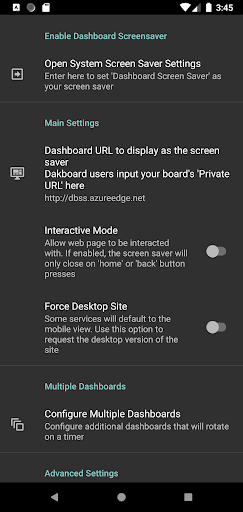
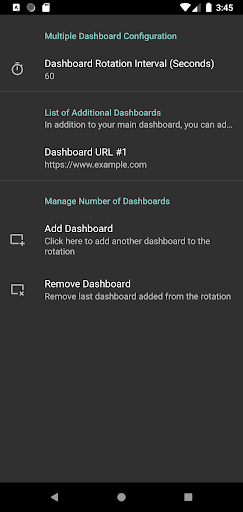
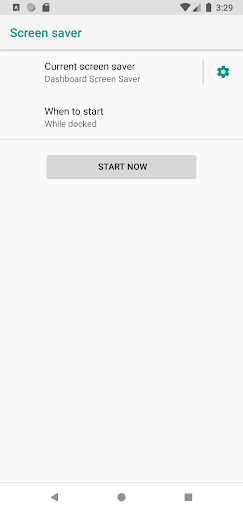
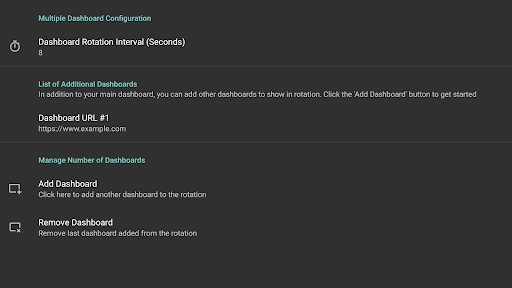
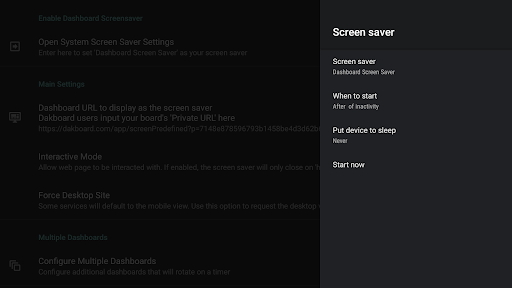
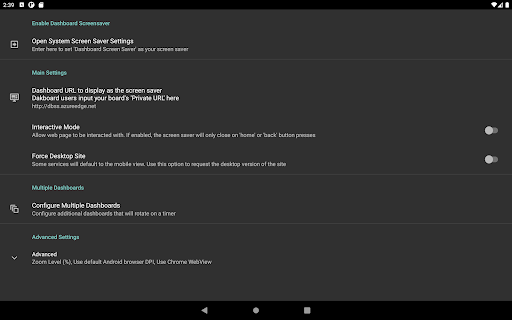
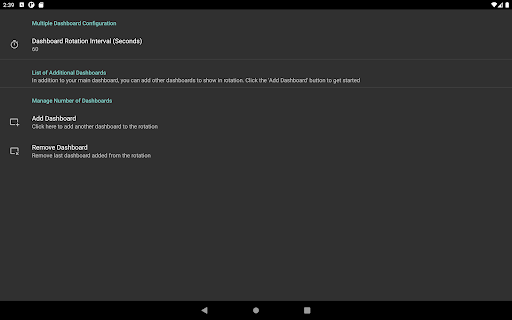
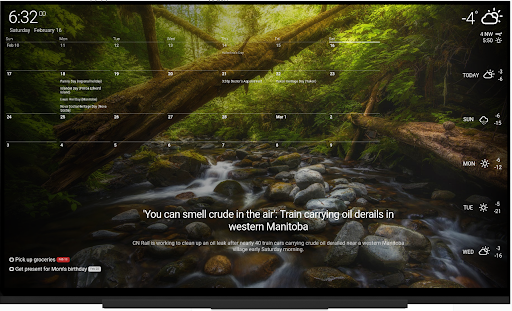
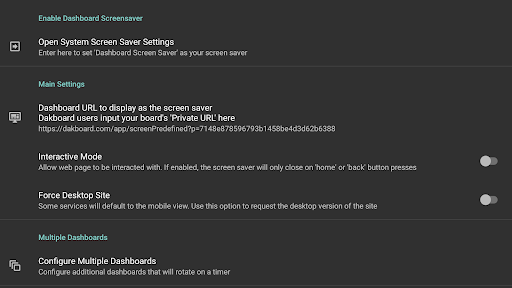
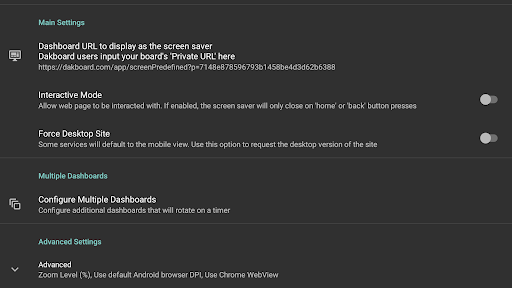
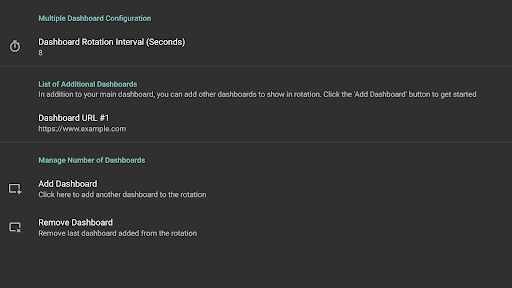
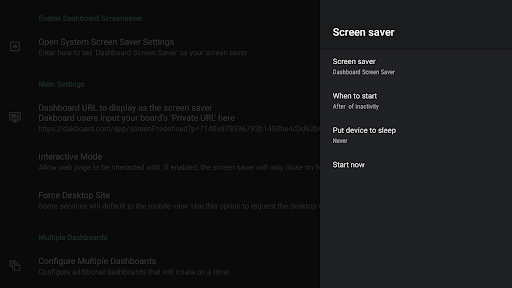
Dashboard Screen Saver displays a web page as the screen saver on an Android TV device. You choose the page by entering its URL, then select Dashboard Screen Saver in the device’s screen saver settings. It can suit people who want a web-based dashboard visible when their TV is idle, such as a Home Assistant, DAKboard or MagicMirror page.
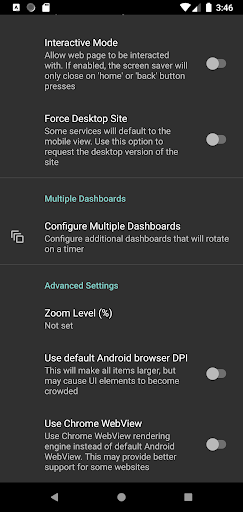
This is for Android TV owners who want a particular web page on screen rather than a standard screen saver. It may not suit every device: Google removed the option to set third-party screen savers on Chromecast devices in an August 2022 update. The app’s reference information says bypassing that restriction requires ADB commands. Other devices can be configured through the app’s settings interface.
The app offers a 24-hour trial, followed by a one-time payment. The supplied information says there are no ads or paid upgrades, but does not state the payment amount. Dashboard Screen Saver is listed in Productivity and is made by RafC02. It has a 4.47 out of 5 rating from 72 reviews and more than 1,000 installs.
Check that your Android TV device allows third-party screen savers before relying on this app, especially if you use a Chromecast. The key task is setting the page URL and choosing the app in the system’s screen saver settings. The supplied details do not specify device requirements or additional controls, so check compatibility with your particular TV or streaming device before deciding whether it fits your setup.